Baselines & Variance Analysis: The Truth in Project Tracking
In professional project governance, a schedule is not a static document—it is a binding commitment. However, in a real-world environment, the "plan" is an assumption that is constantly tested by reality.
Without a baseline, a project manager is merely tracking "current status," which is a dangerous practice. To truly govern a project, you must track Variance: the mathematical delta between the Promised Plan and the Actual Execution.
A Baseline is a professional snapshot of your project's schedule (start dates, finish dates, and work effort) captured at the moment of formal stakeholder approval.
The Comparative Overlay System
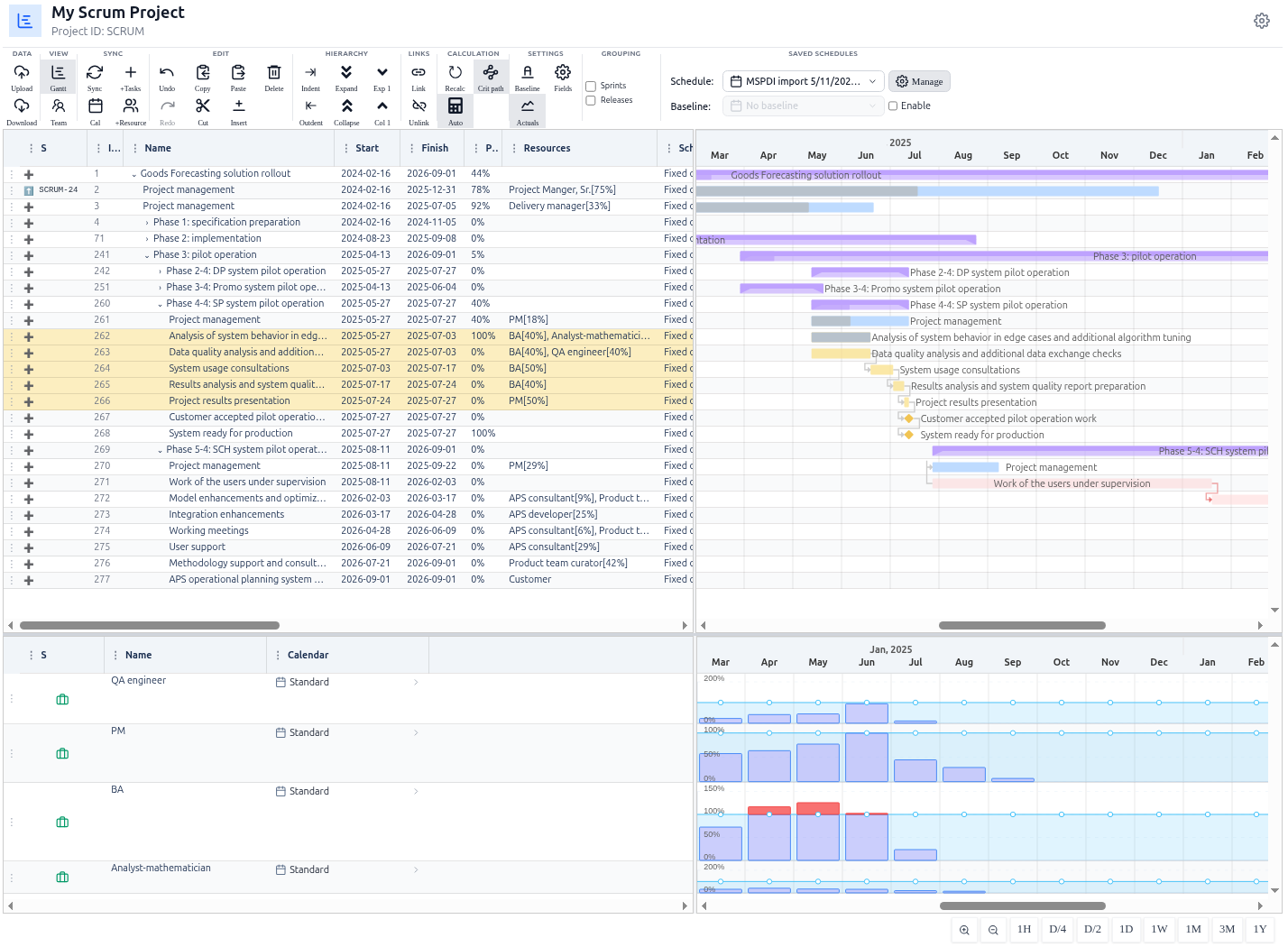
MSP Planner does not simply save a static copy of your project. It implements a Comparative Overlay system, allowing you to visualize drift in real-time without switching views.
1. Establishing the Commitment (Setting the Baseline)
Once the project plan is approved by the Steering Committee, the baseline is set. The system freezes the current dates and work estimates for every task. This becomes the "Truth" against which all future performance is measured.
2. Visualizing "Drift" (The Ghost Bar)
When the baseline toggle is enabled, MSP Planner renders a secondary, "ghost" bar beneath the current task bar.
- The Live Bar (Actuals): Represents the current scheduled reality.
- The Baseline Bar (Promise): Represents the approved commitment.
This visualization allows any stakeholder to instantly identify Negative Drift (slippage) or Positive Drift (acceleration) without reading a complex variance report.
Practitioner's Perspective: Advanced Variance Governance
Experienced PMO leads use baselines not just for tracking, but for strategic communication.
🚩 The "Honest" Steering Committee Report
The most common mistake in project reporting is presenting the current schedule as the only truth. A professional governance report focuses on the Variance:
- Weak Report: "The API integration is scheduled for October 15th."
- Professional Report: "The API integration has slipped by 4 days against the approved baseline. However, we have neutralized this by accelerating the 'Frontend Layout' task, resulting in zero impact on the overall project finish date."
⚖️ Materializing and Resetting Commitments
In long-term enterprise projects, scope creep is inevitable. MSP Planner allows you to materialize a new baseline:
- When a formal "Change Request" is approved, you can update the baseline to reflect the new agreed-upon dates.
- This prevents the "eternal slip" feeling, where the project is always late compared to a plan that is no longer valid.
📉 Predictive Trend Analysis
By analyzing the rate of drift across multiple tasks, a PM can identify systemic issues. If 80% of tasks are showing negative drift, the problem is likely not the tasks themselves, but an over-optimistic resource plan or an underestimated complexity.
Governance Checklist for Baselines
| Step | Action | Outcome |
|---|---|---|
| Approval | Set baseline immediately after sign-off | Legal/Formal commitment established |
| Weekly Review | Compare Live vs. Baseline bars | Early detection of "hidden" slippage |
| Change Control | Materialize new baseline after approved CR | Maintains reporting integrity |
| End of Phase | Archive phase baseline | Historical performance data for future estimation |